
About this season
Hosted by Iyaz Akhtar and Leo Laporte.
Episodes (60)
1. Roll Your Own Cloud
Aired 5 July 2012 • 29 min
Access your files from anywhere, once you Know How to roll your own cloud.
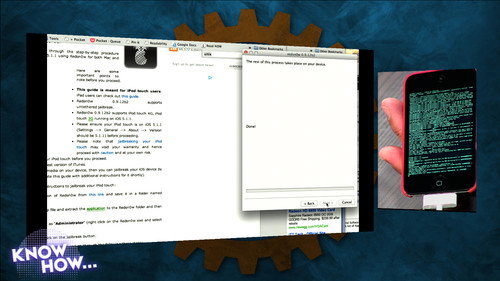
2. Jailbreaking and Rooting
Aired 12 July 2012 • 40 min
After this project, you'll know how to jailbreak your iOS device or root your Kindle Fire. You'll definitely want to try this at home.
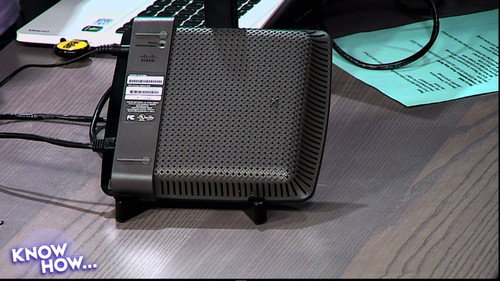
3. Flash Your Router's Firmware
Aired 19 July 2012 • 29 min
Today you'll be able to unleash the power of your router using DD-WRT. You'll know how to flash your router's firmware!
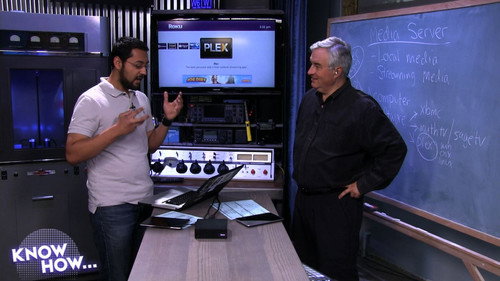
4. Setting Up a Media Server
Aired 26 July 2012 • 24 min
Get the know how to access your movies and music around the house by easily setting up a media server.
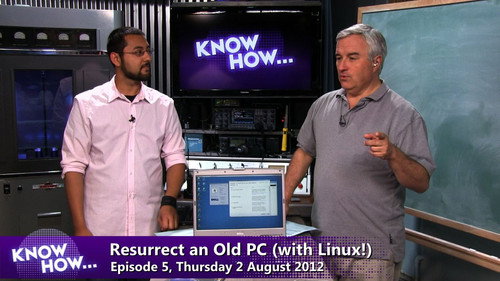
5. Resurrect an Old PC With Linux
Aired 2 August 2012 • 27 min
Get the know how to take your old PC and give it a new life.
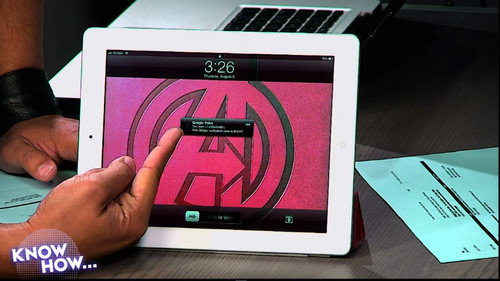
6. Make Your Tech Life More Secure
Aired 9 August 2012 • 25 min
Today, Leo and Iyaz show you ways to keep your online stuff safer by making your tech life more secure.
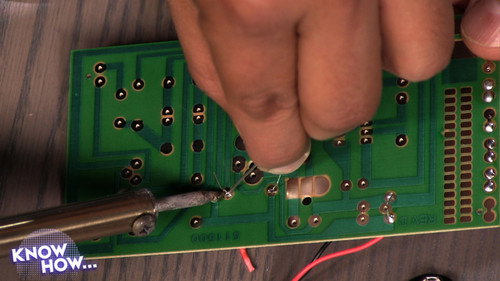
7. Soldering
Aired 16 August 2012 • 26 min
Soldering is an essential skill to learn if you like to mess with hardware. Find out how to solder in today's episode!

8. Portable Apps
Aired 23 August 2012 • 34 min
Portable apps let you bring your favorite programs with you where ever you go. Find out how to use portable apps on Windows, Mac OS X, and Linux!
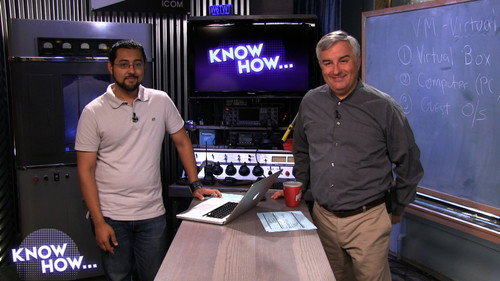
9. Build a Virtual Machine
Aired 30 August 2012 • 26 min
Virtual machines allow you to try out all kinds of operating systems without having to muck with your hard drive or setting up a multi-boot system. Find out how to run virtual machines in today's episode.
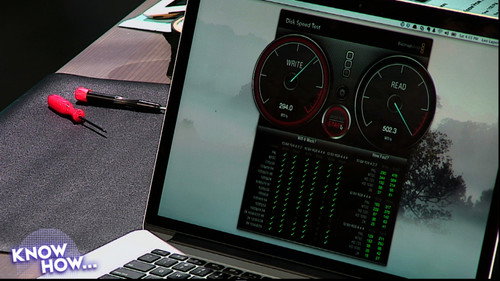
10. Upgrade Your Retina MacBook Pro
Aired 6 September 2012 • 26 min
Upgrading the SSD in the newest MacBook Pro is much easier than you think. Leo shows Iyaz how easy it is in this episode.
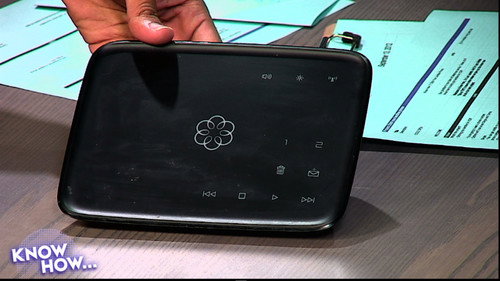
11. Ditch Your Landline Phone
Aired 13 September 2012 • 20 min
Make calls online instead of using your landline.
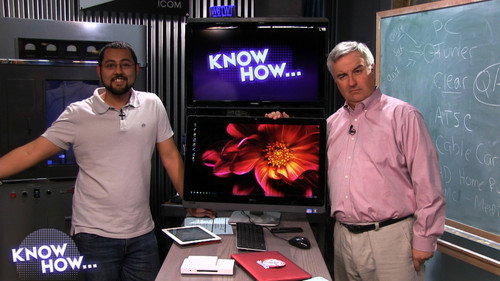
12. Make Your Computer a DVR
Aired 20 September 2012 • 32 min
Toss out your DVR and save some money. Know how to make your PC record your favorite television shows and movies.
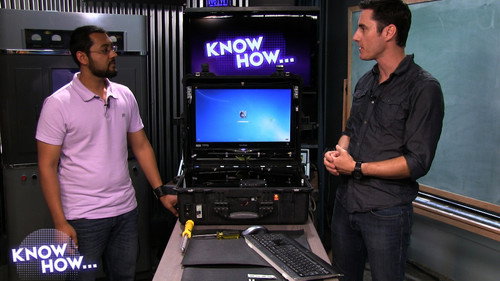
13. Portable-ize Your Desktop PC
Aired 27 September 2012 • 21 min
Make your desktop PC portable! Ryan Marsh guests to show off his desktop PC built into a case that he can take almost anywhere.
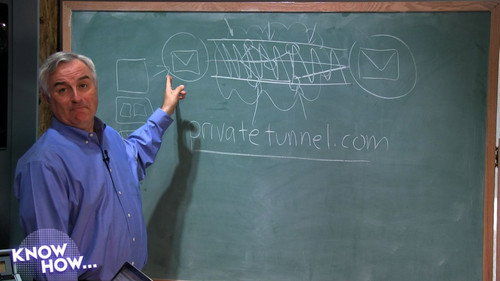
14. Set Up a VPN
Aired 4 October 2012 • 34 min
Let's set up a VPN to get two computers to talk to each other.
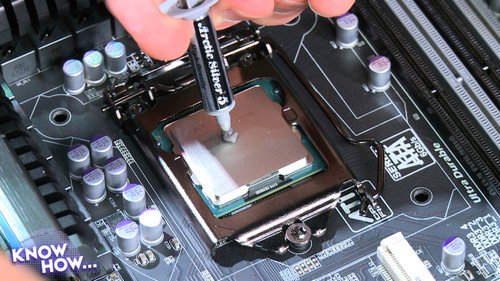
15. To Build a PC
Aired 11 October 2012 • 38 min
Build your own PC! Find out how to pick components and put together your own custom machine.
16. Staying Connected Without a Cell Phone
Aired 18 October 2012 • 37 min
Live an Internet-connected life without a cell phone. Tom Merritt joins Iyaz to talk about how to go data-only!
17. Get Free HDTV
Aired 25 October 2012 • 22 min
Get HD television shows with an over-the-air antenna! You'll get the know how to cut the cord entirely and you'll still be able to watch sports and live events!

18. Make a Hackintosh!
Aired 1 November 2012 • 37 min
Run OS X on your PC if you dare. We'll show you the best resources to use to create your own Hackintosh.
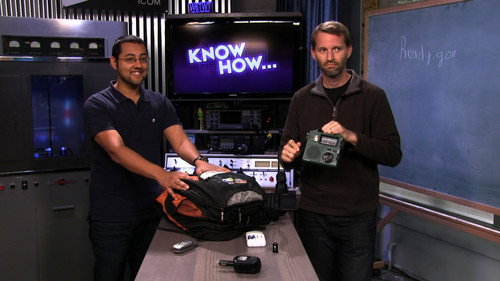
19. Emergency Gadgets
Aired 8 November 2012 • 24 min
Put your emergency kit together and don't forget the gadgets. Tom Merritt shows everyone what's in his ready bag!
20. Make the Web Work for You
Aired 15 November 2012 • 36 min
Use IFTTT to make the web work for you with guest co-host Tom Merritt!
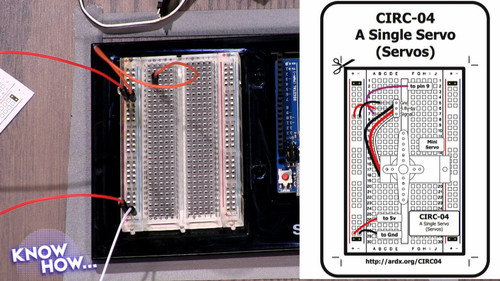
21. Arduino 101
Aired 29 November 2012 • 22 min
Get started in physical electronics! Today you'll know how to program your first Arduino project.

22. Back Up Your DVDs
Aired 6 December 2012 • 29 min
Today, we're taking our DVDs and backing them up. Then we're going to play them on the AppleTV.
23. Podcast 101
Aired 13 December 2012 • 43 min
Find out everything you need to know to start your own podcast in today's episode.
24. Fix Your Parents' Computer
Aired 20 December 2012 • 23 min
We've collected the tools, tricks, and tips that Leo and Iyaz found work best to fix an ailing machine.
25. Best of 2012
Aired 27 December 2012 • 40 min
We bring you the must Know How tips from 2012
26. Get Fit With Tech
Aired 3 January 2013 • 26 min
We'll help you stay in shape using technology. There are lot of options out there, so we took a look at a whole bunch so you can find the right tech tool for the job.
27. Clean Up Your Music Library
Aired 10 January 2013 • 24 min
Make your music library super clean. Find out how to add missing album art and all kinds of music data on today's episode!
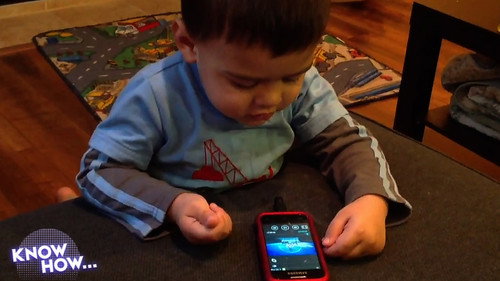
28. Child-Friendly Android
Aired 17 January 2013 • 24 min
Tired of sharing your phone with your kid? Today, you'll know how to customize a phone for your child!
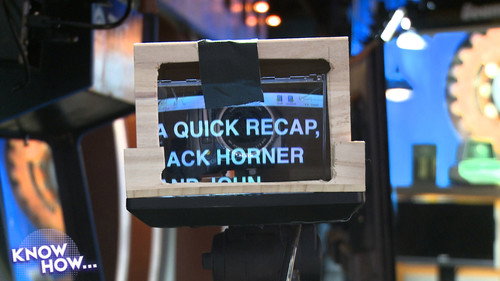
29. DIY Teleprompter
Aired 24 January 2013 • 36 min
Make your own teleprompter for a lot less than buying one. You'll need tools and some elbow grease, but it's a lot of fun.
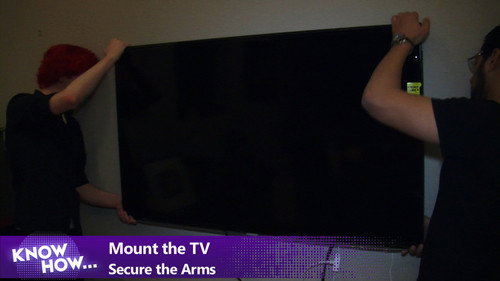
30. Mount a TV
Aired 31 January 2013 • 20 min
Wall-mounting a television can be daunting, but we'll give you the know how to do it like a pro!
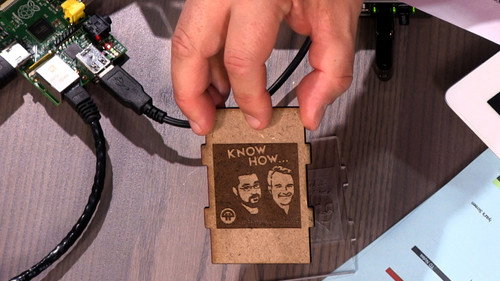
31. Make a Raspberry Pi Media Center with XBMC
Aired 14 February 2013 • 21 min
We've got XBMC running on our Raspberry Pi. Find out how to install XBMC and how it performed in this episode!
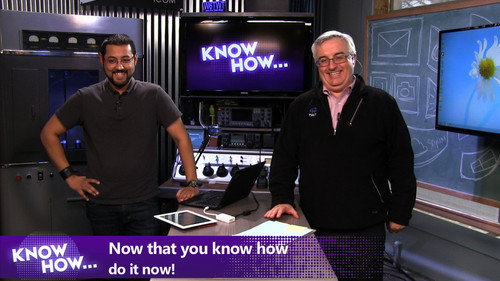
32. Make Windows 8 Act Like Windows 7
Aired 21 February 2013 • 23 min
We'll show you a bunch of ways you can add functionality back to Windows 8.
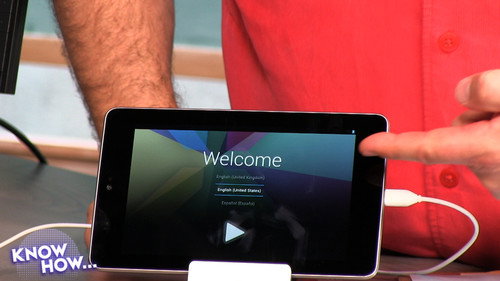
33. Ubuntu Touch on the Nexus 7
Aired 28 February 2013 • 20 min
Install Ubuntu Touch, get a feel for it, and find out how to put your Nexus back to Android in this episode.
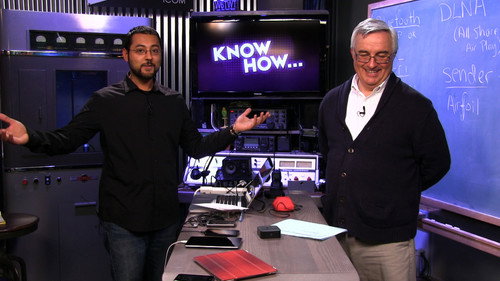
34. Set Up Wireless Audio
Aired 7 March 2013 • 30 min
Tired of trying to listen to music from your phone's little speaker? Today you'll know how to set up wireless audio!

35. Organize Your Photos
Aired 14 March 2013 • 20 min
You've got tons of photos everywhere! Find out the tricks and tips to collect and organize all of your pics.
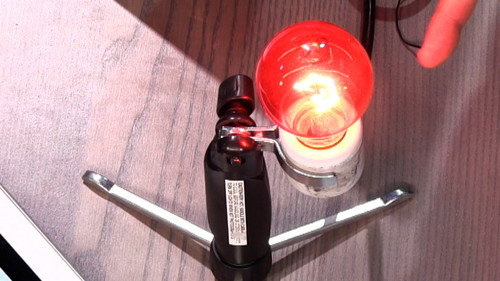
36. Simple Home Automation Using the Belkin WeMo
Aired 21 March 2013 • 16 min
Get an intro to home automation using a Belkin WeMo connected to IFTTT!
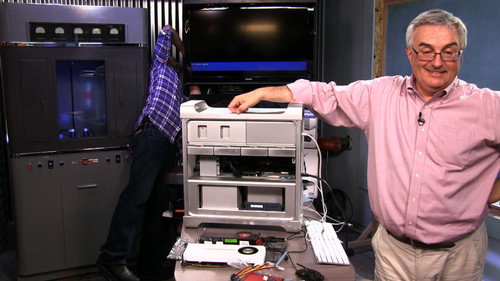
37. Upgrade Your Mac Pro
Aired 28 March 2013 • 30 min
We're going to do something Apple hasn't done in a long time - we're going to upgrade a Mac Pro.
38. Expand Your Network
Aired 4 April 2013 • 45 min
Make your network reach new places! Russell Tammany gives us the know how to build a client bridge.
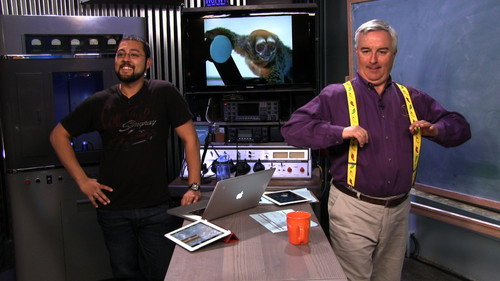
39. Organize Your Cloud
Aired 11 April 2013 • 15 min
Your data is all over the place in the cloud. Learn how you can find your cloud stuff from one location!
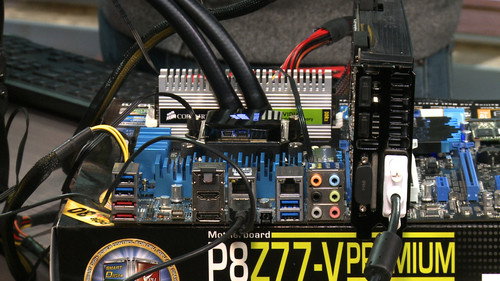
40. Overclocking 101
Aired 17 April 2013 • 24 min
Get more performance out of your PC. Ryan Shrout joins us on how you can overclock your computer.
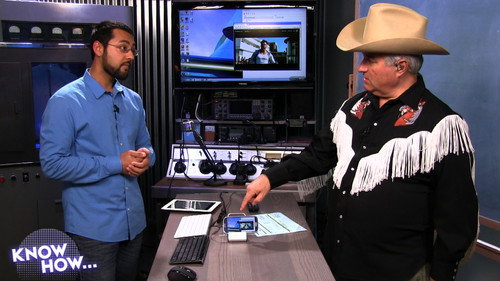
41. Make Your Phone Into a Computer
Aired 25 April 2013 • 25 min
Did you know you could have a full PC in your pocket? Today, you'll know how to make your phone into your computer!
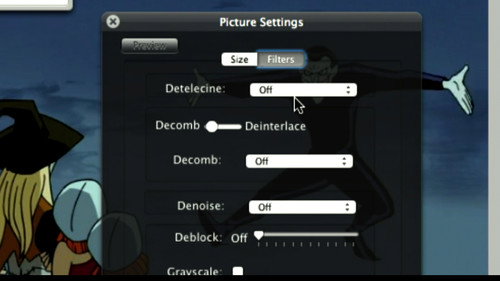
42. Video Compression With Handbrake
Aired 2 May 2013 • 20 min
Learn how to use the free, cross-platform video converter Handbrake to get the best results.
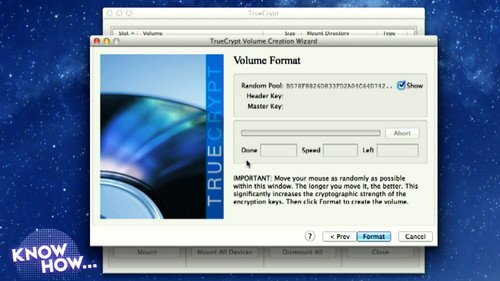
43. Encrypt Your Data With TrueCrypt
Aired 9 May 2013 • 19 min
Find out how to make sure no one but you can read your data using TrueCrypt.
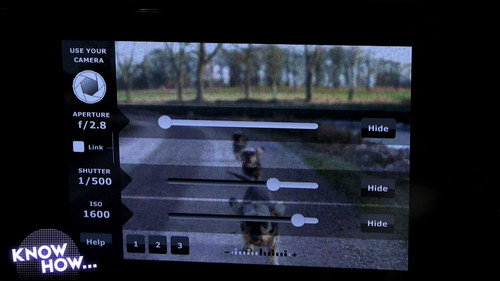
44. Cameras 101
Aired 16 May 2013 • 39 min
ISO? Aperture? Huh? Find out how to make the most of your digital camera in this episode.
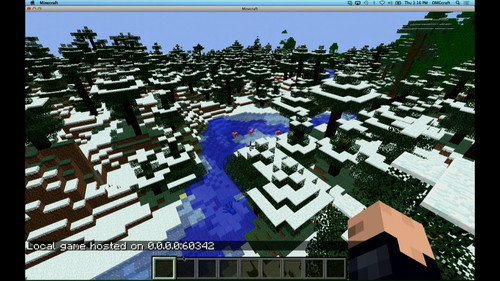
45. Set up a Minecraft Server
Aired 23 May 2013 • 26 min
OMGcraft's Chad Johnson is here to show us how to set up a Minecraft server. It's easier than you think!
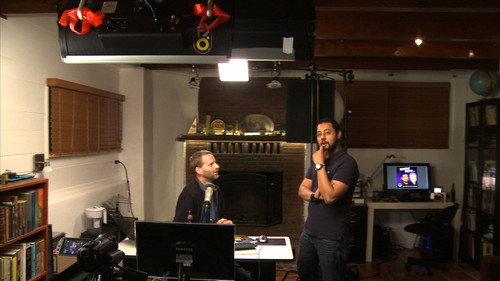
46. Make a Home Studio
Aired 30 May 2013 • 35 min
Ever wanted to make your own shows or podcasts? Today, you'll know how to make a home studio!
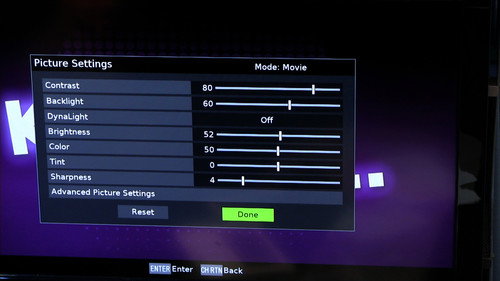
47. Calibrating Your TV
Aired 6 June 2013 • 24 min
If you own a TV, you should watch this episode. Today you'll know how to calibrate your TV!
48. Backing Up & Rooting Your Samsung Galaxy S3
Aired 13 June 2013 • 29 min
Iyaz puts his personal phone on the line. We'll back up then try to root a Samsung Galaxy S3.
49. Loading ROMs on Your Samsung Galaxy S3
Aired 20 June 2013 • 26 min
We're going to remove TouchWiz from this Galaxy S3. Today you'll know how to load ROMs on your Samsung Galaxy S3.
50. Encrypt Your Email With PGP
Aired 27 June 2013 • 25 min
Shannon Morse came by to help us make our mail more secure. Find out how easy it is to encrypt your email using PGP.
51. Digitizing Books
Aired 11 July 2013 • 28 min
If you've got a big paper book library, did you know you can digitize it without destroying it? It's possible. Check out how to digitize a book!
52. Setting Up a Blog
Aired 18 July 2013 • 23 min
Tired of the weird changes to Twitter and Facebook? Today, you'll know how to set up your own blog.
53. Installing OwnCloud to a Web Server
Aired 25 July 2013 • 17 min
OwnCloud is an open source alternative to Dropbox. Find out how you can set it up in this episode!
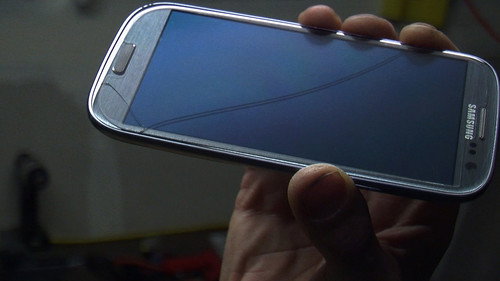
54. How to Fix a Cracked Touch Screen Phone
Aired 1 August 2013 • 13 min
Burke McQuinn drops by to show us how to replace the glass on a smartphone.
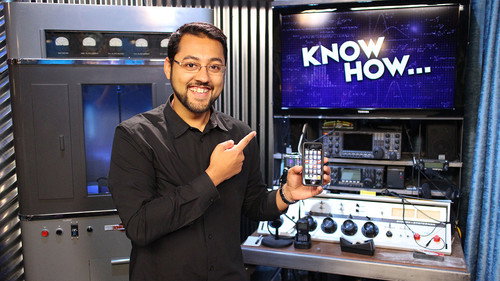
55. Make Your Phone Into A Universal Remote
Aired 8 August 2013 • 25 min
Get rid of your physical remotes and control everything with your phone or tablet. See all your options in this episode!
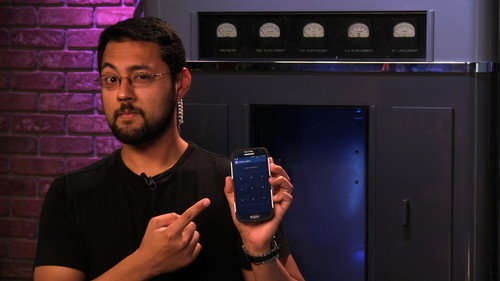
56. Securing Your Smartphone
Aired 15 August 2013 • 23 min
Terrified that your phone may fall into the hands of evildoers? Today you'll know how to secure your phone in case you lose it.
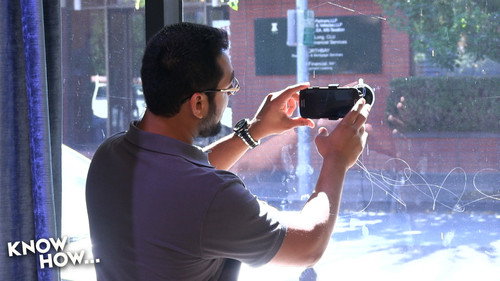
57. Turn Your Android Into a Spy Cam
Aired 22 August 2013 • 11 min
You demanded it! Today you'll know how to make your Android into a surveillance camera!
58. Switching From iOS to Android
Aired 29 August 2013 • 21 min
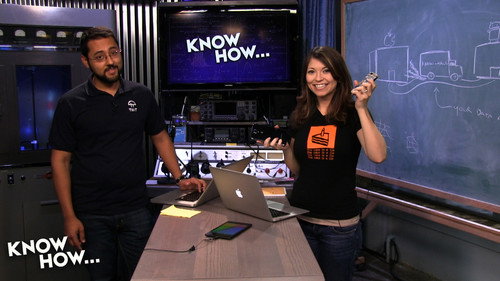
If you've been curious about Android devices, it's easier to switch than you think. Shannon Morse comes by to help out.
59. Video Game Front Ends
Aired 5 September 2013 • 22 min
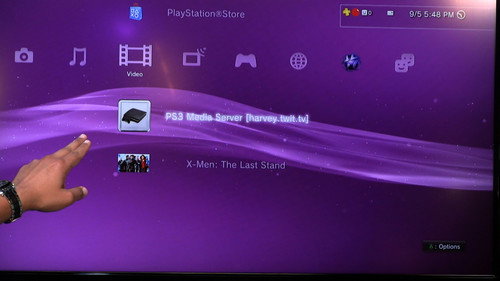
Today we're going to show you how to watch videos from your local network on your video game system.
60. Video Editing With an iPad
Aired 12 September 2013 • 33 min
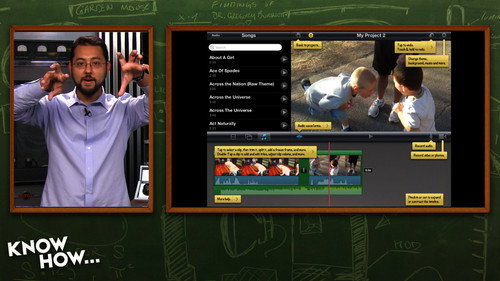
If you take video with your phone or tablet, why not make an amazing video? Today you'll know how to edit video using an iPad.